Chat runs the whole workspace.
One conversation drives browser tabs, code, terminals and agents. Ask in plain language — it plans, picks the tools, and does the work.
Open Spark is one calm workspace where a single agent drives your chat, browser, terminal, code, memory, teams and automations — and remembers all of it.
Your keys live on your Mac. Nothing leaves without you.
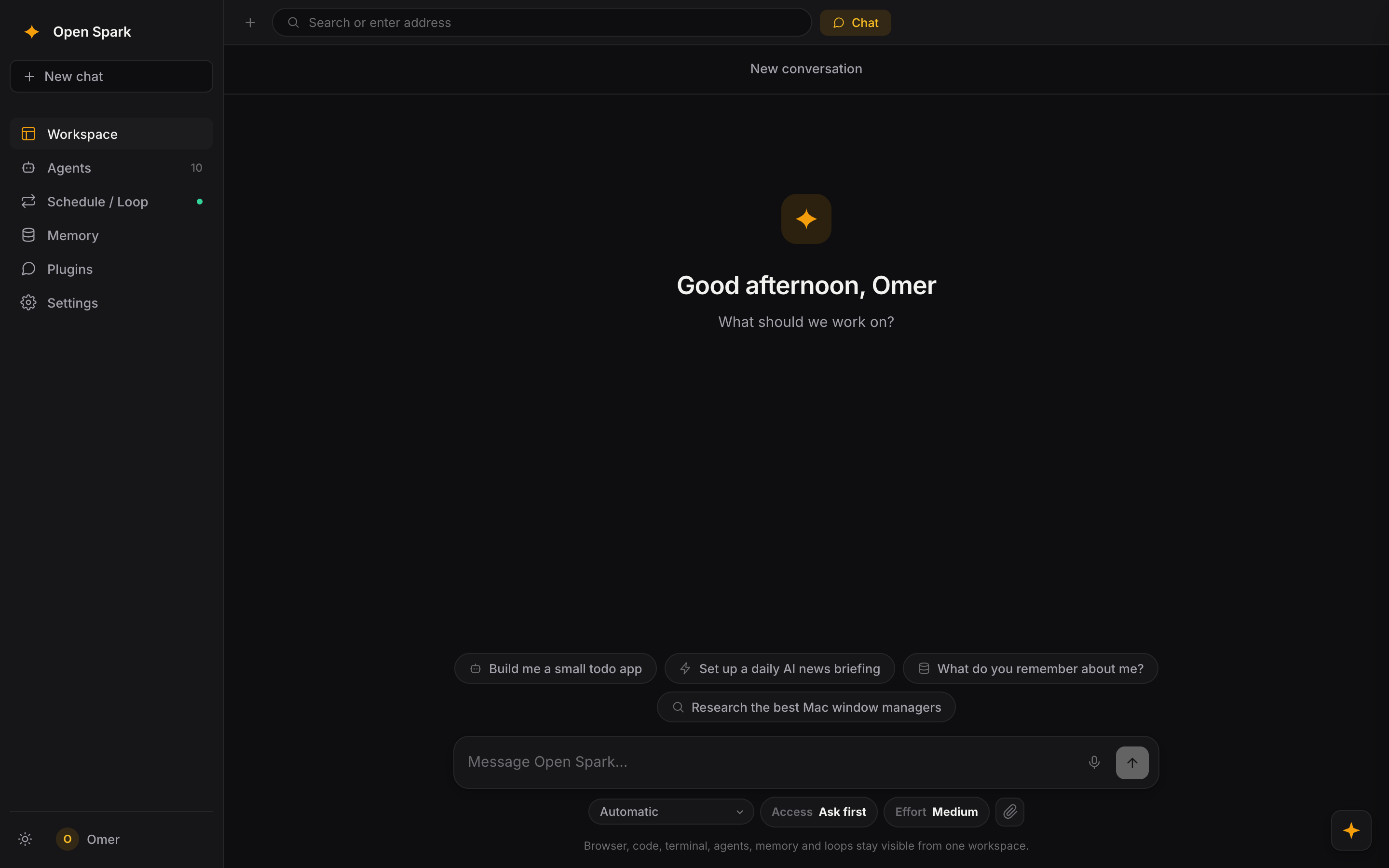
A real, unedited run through the app — chat sets up an automation, then teams, memory, canvas, schedule and settings. The cursor is real; nothing is staged.
One conversation drives browser tabs, code, terminals and agents. Ask in plain language — it plans, picks the tools, and does the work.
Discord-style rooms with scoped instructions, a shared brain and human messages. Give each agent a role, then release a swarm and watch them talk.
Preferences, projects and people become notes — linked with [[references]] into a graph the agent actually draws on. It stops asking twice.
Sketch, drop in images, or just describe one and generate it — right beside the chat. Pixel-art mode too, for game and app assets.
Your agent workspace with chat, memory graph, browser tabs, and 12 real terminal sessions.
Direct download. After dragging to Applications, macOS may ask you to allow it in Privacy & Security.